
Having rewritten my personal website, I decided to take on the daunting challenge of rewriting my professional website.
How we got into this mess
When I first started beyondwritingcode.com earlier this year, I did not have the patience for starting and running yet another “handcrafted” website. I already own at least two of those.
I just needed something that looked reasonably nice and took care of a lot of the details for me with a minimum of hassle.
And yet for some reason I still chose WordPress. (Oooh, sorry WordPress.)
Not easy to make it look nice. Not easy to secure. Too many plugins needed to make it do the things. Too easy to make it do more and more things. Just too much.
Not that I saw any of that at the time. I set it up, I was reasonably satisfied with it. It got me the site that I needed.
The other day, someone mentioned in passing what she pays for her business site. It seemed like a lot to me, at first.
But then I added up what I pay for this, that, the other… it was at least as much. And her hosting company was doing more of the work for her.
Things weren’t making sense. I seemed to be paying a lot, and getting not a lot of benefit for it.
So I had Claude AI draw up a migration plan for me.
It turned out to be a ten week migration plan. Ugghh.
But it has to take a long time, though, right? I can’t just replicate all that heavy-duty WordPress functionality with a simple, read-only React site.
Or, can I?
I ain’t gonna spend ten weeks
The first aha moment came from an Austin Kleon book I read recently.
Austin points out something that I’d never really thought about: most of us don’t need comments on our sites. Readers can email you, message you, find you on social media, or post on their own social media or blog or whatever and tag you.
He’s so right.
My site has received hundreds if not thousands of comments, but approximately ten of them weren’t spam. And half of those were me. Clearly I am not hosting my own private social media community on my website.
So, wait a minute. If I’m not allowing comments, then I don’t need the spam filtering tool I am paying extra for. And I don’t need to worry about users logging in, aside from myself as the admin user.
This got me thinking. Which of WordPress’s fancy features was I in fact using?
- WordPress’s completely unintuitive site editor for my handful of static pages. Great?
- The blog post writing interface. Okay, fair enough. Lets me save draft posts. The ability to schedule a future post is good too—not critical, but good.
- Yoast SEO is kind of nice as a plug-in for posts, if you care about SEO. And while I do care somewhat about SEO, I care more about using my authentic voice in my writing. And SEO sometimes gets in the way of that. Maybe I can do without Yoast.
- Ooh, integration with Kit.com. Okay, that is essential for my workflow.
- An RSS feed. I do have some automation that runs off of that.
- The admin interface. Except that I wouldn’t need that if I wasn’t using WordPress.
- All these plugins… none of which I would need if I wasn’t using WordPress.
- … huh.
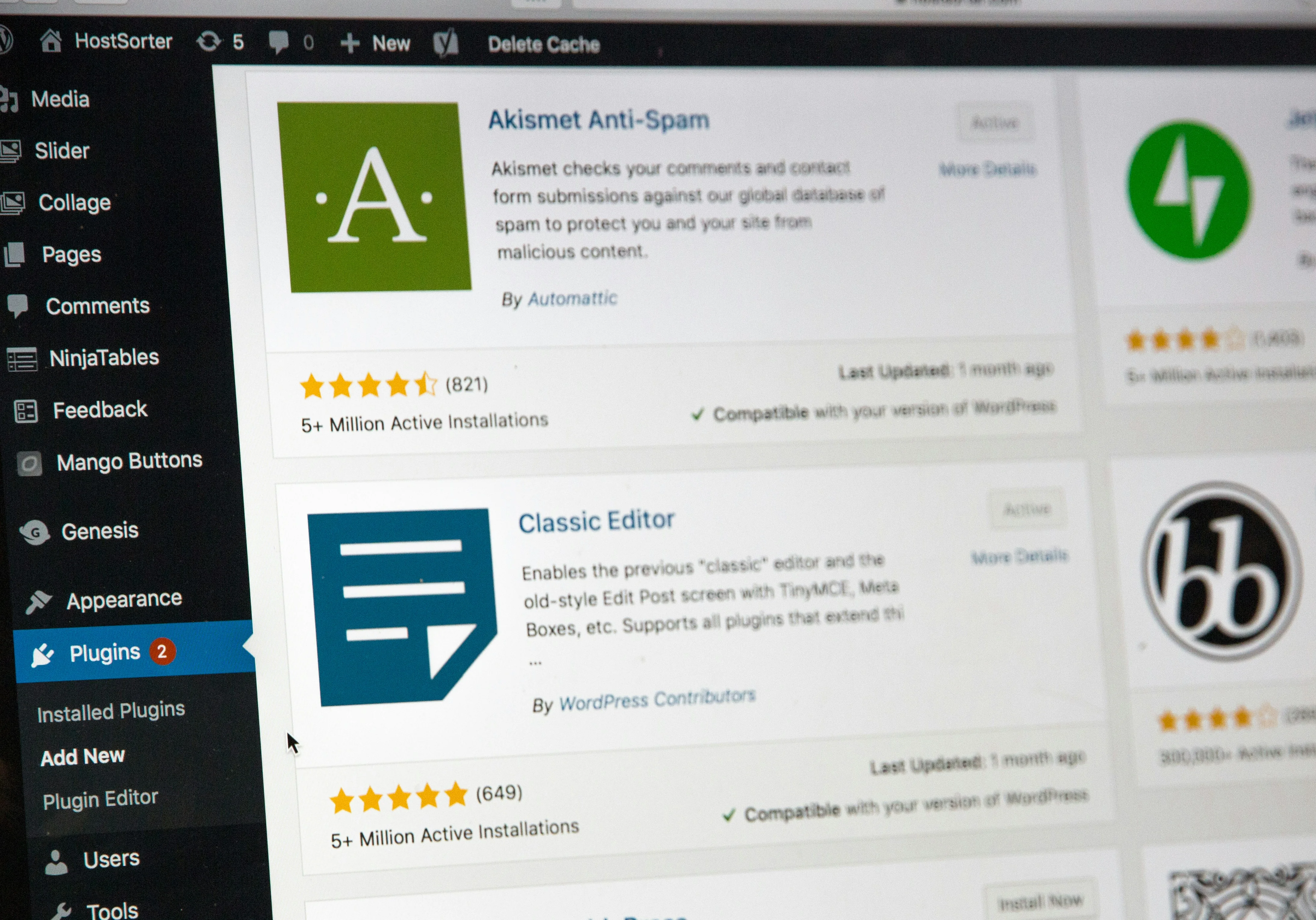
WordPress plugins, on the Admin panel. Shoutout to Akismet for blocking the comment spam. Photo by Stephen Phillips on Unsplash
I was intimidated by a few points on that list (blog posts, Kit, RSS) but I thought: let’s just try it.
Start with the… easy part?
I started by replicating the static pages. It was surprisingly difficult to get Claude to just copy them.
But soon enough, I got the design mostly looking the way it did before. I even saw a few opportunities to improve, like replacing the ugly social media icons with some nicer ones.
Apparently there’s a front end design plugin for Claude Code that I only just learned about while I’m writing this, so maybe my front end design challenges will be easier in the future.
Blog posts
Claude convinced me that I wouldn’t be that much worse off just writing my posts in Markdown. Then I could commit them to GitHub.
I had to come up with a metadata solution for having “draft” status (so I could write without triggering the RSS feed update), but that wasn’t too hard.
I didn’t implement a future posting ability, but I probably could.
I imported all my blog posts from the old site, including my precious few comments.
I even imported all my newsletter content from Kit, so all of that is now available on my site for the first time. That’s a significant improvement.
Furthermore, navigating around the blog posts on my old was brutally slow. Like “is this site still loading??” slow. I had Claude work on performance until the new posts pages were gloriously fast.
Kit.com integration
Kit integration was rough. I tried to have Claude go figure it out from looking at the site. This made a bit of a code mess.
I tore it all out, and we started over. The second attempt went better, except that Kit’s embed code triggers a security warning.
“It’s just a warning, Leaf!” I know, I know. I don’t like warnings! They’re there for a reason. They are noisy. I fix them whenever I can.
But we struck out trying to work around it. So it stayed. And you know, for all I know, the WordPress site had that warning too.
After all, securityheaders.com gave the new site an A+, which was reassuring. I had never used it before, and I was dismayed to see that it gave the old site an F.
So perhaps I’m being a little more picky than I need to be.
Between the painfully slow posts page, and the low security headers grade, I’m now so ready to be done with the old site.
RSS feed
This part turned out to be fairly easy. I gave Claude the current RSS feed URL. I told it I needed to be able to set how many posts would appear. It figured out the rest.
I haven’t tested it yet… but if you are reading this by email, on BlueSky, or on Facebook, it worked.
All the rest?
We know from my last post that writing code is only part of the journey! But I already had a document from my previous site migration that outlined what I expected for everything from code quality, to security and performance, to accessibility and error handling.
I dropped it in and told it to get to work. We worked through the list one at a time.
And one week later…
We’re done. I deployed it this afternoon. So far, I haven’t spotted any problems in production.
And the new site is MUCH faster. I hadn’t noticed how slow my old site was until I started to get used to the new one! It has more of my writing on it. Even without a long list of plugins, it gets a better security grade. And it will save me some money as well.
Once I could see what I really needed, and what I could easily live without, this was a much simpler project.
Ten weeks not necessary. We got it done in one!
Happy new site!
And happy new year!
Happy holidays to one and all! This will be the last post for 2025. See you in 2026!